
M-Learning Readiness Checker
Enter the details of your current mobile learning setup (course design or personal habit) to see how well it aligns with modern m-learning best practices.
You’ve probably heard the term thrown around in ed-tech conferences or read it in a newsletter about the future of schooling. But if you’re staring at your phone right now, wondering what m-learning actually means beyond just "using an app," you’re not alone. It’s more than just swapping a textbook for a screen. It’s about fundamentally changing how, when, and where we absorb information.
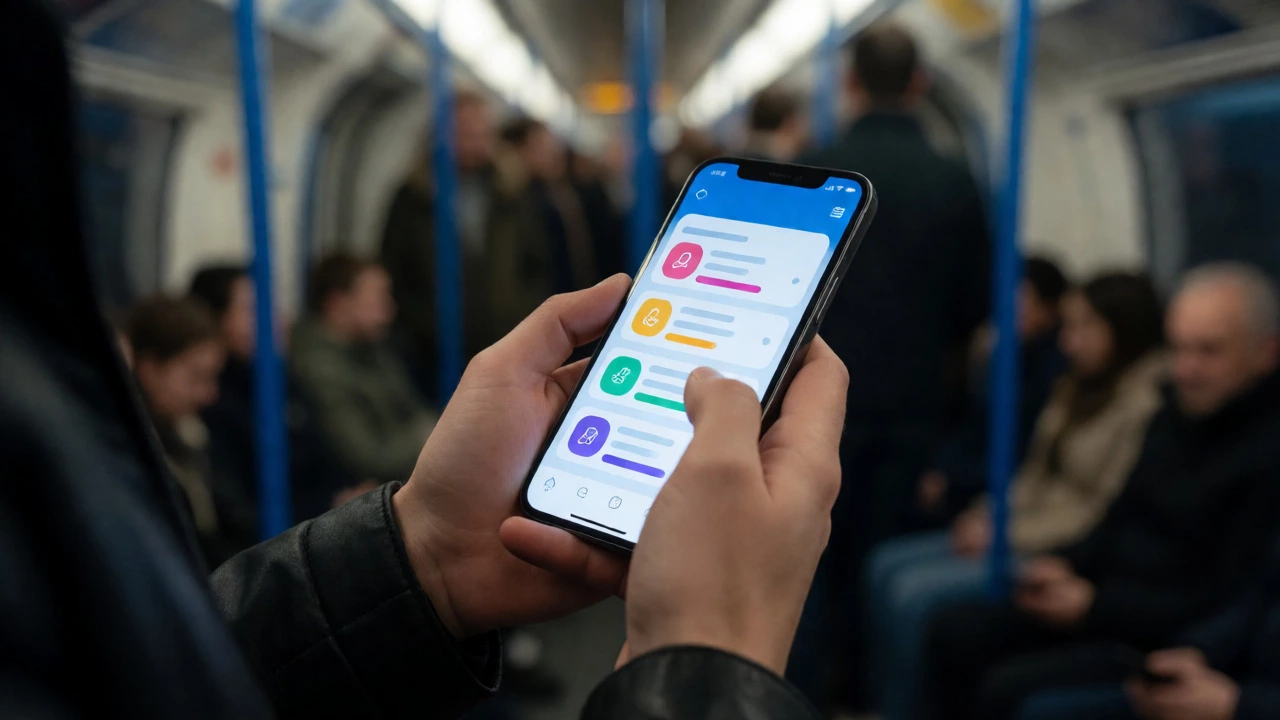
Think back to ten years ago. If you wanted to learn Spanish, you’d likely sit in a classroom on Tuesday evenings or buy a bulky CD-ROM set. Today? You open an app on your commute, listen to a podcast while washing dishes, or watch a short tutorial during your lunch break. That shift isn’t just convenience; it’s m-learning. It stands for mobile learning, which is the use of mobile devices such as smartphones, tablet computers, personal digital assistants, and e-readers to support learning anywhere, anytime. But defining it by hardware alone misses the point. The real magic lies in the connectivity and context.
Beyond the Device: What Makes It Different?
Let’s clear up a common confusion. Is m-learning just e-learning on a smaller screen? Not exactly. While e-learning refers to learning conducted via electronic media, typically on the Internet, it often implies a stationary setup-a desktop computer at a desk. M-learning breaks that tether. It leverages the unique features of mobile devices: GPS, cameras, microphones, and constant internet access.
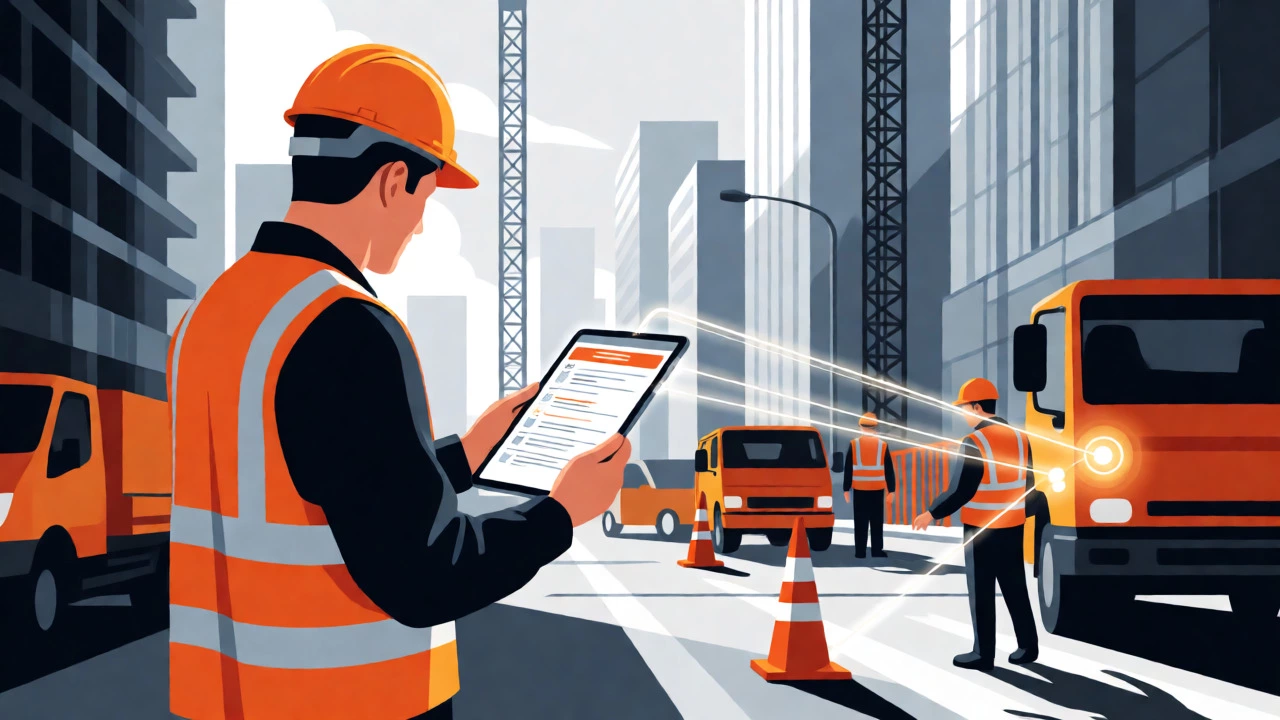
Why does this matter? Because learning happens best when it’s relevant to your immediate environment. Imagine you’re walking through a botanical garden. With e-learning, you might have read about local plants last week. With m-learning, you scan a QR code on a plant marker, and instantly get a video explanation tailored to that specific species. Or consider a construction apprentice. Instead of waiting until they get home to study safety protocols, they pull up a checklist on their phone right before starting a risky task. This is called just-in-time learning, and it’s one of the biggest advantages of going mobile.
| Feature | Traditional E-Learning | M-Learning |
|---|---|---|
| Device Dependency | Desktop/Laptop (Stationary) | Smartphone/Tablet (Portable) |
| Context Awareness | Low (Classroom/Home only) | High (Location-based triggers) |
| Session Length | Longer blocks (30-60 mins) | Micro-learning (5-15 mins) |
| Interaction Type | Structured forums, email | Instant messaging, social feeds |
| Offline Capability | Limited | High (Downloadable content) |
The Core Pillars of Effective M-Learning
If you’re trying to build a course or choose a platform, don’t just slap a PDF onto a website and call it m-learning. That’s lazy design. For m-learning to work, it needs to hit three specific notes: accessibility, engagement, and adaptability.
Accessibility here doesn’t just mean "it works on a small screen." It means the user interface must be intuitive enough that someone can navigate it with one thumb while holding a coffee in the other hand. Text should be large, buttons should be spaced out, and load times need to be near-instant. If your student has to wait five seconds for a video to buffer, you’ve lost them.
Engagement relies heavily on gamification and interactivity. Passive reading fails on mobile because our brains are wired to scroll past static text. Successful m-learning modules use quizzes, drag-and-drop activities, and short videos. Think of Duolingo-it’s successful because it turns language practice into a game with streaks and rewards. That dopamine hit keeps users coming back daily, which is crucial for retention.
Adaptability is where AI starts to play a role. Good m-learning platforms adjust to the learner’s pace. If you keep getting questions wrong, the system shouldn’t just show you the answer; it should offer a simpler explanation or a different example. This personalized path prevents frustration, which is the number one reason people abandon online courses.
Real-World Scenarios: Where M-Learning Shines
It’s easy to talk theory, but let’s look at where this actually changes lives. In developing regions, m-learning has bypassed traditional infrastructure gaps entirely. A farmer in rural Kenya might not have access to a university library, but they almost certainly have a basic feature phone or a smartphone. Organizations like UNESCO define mobile learning as a strategy to expand educational access through ubiquitous computing, and they’ve seen massive success with SMS-based literacy programs. Farmers receive daily tips on crop rotation via text message. No Wi-Fi needed. No data plan required. Just plain text delivering high-value knowledge.
In corporate settings, the stakes are even higher. Companies lose billions annually due to skills gaps. Traditional training days are expensive and often forgotten within weeks. M-learning allows for continuous reinforcement. A sales team can review product updates on their way to client meetings. A nurse can refresh their memory on CPR guidelines between shifts. This micro-learning approach ensures knowledge stays fresh rather than decaying over time.
For students, the benefits are equally tangible. University campuses are increasingly adopting Learning Management Systems (LMS) defined as software applications for the administration, documentation, tracking, reporting, automation, and delivery of educational courses with robust mobile apps. Students can submit assignments from their dorm room, check grades instantly, and collaborate on group projects via chat features without needing to be in the same physical space. This flexibility supports diverse lifestyles, especially for adult learners balancing jobs and families.

Pitfalls to Avoid When Going Mobile
So, why isn’t everyone doing this perfectly? Because mobile screens introduce unique distractions. Your phone is also your social hub, your news feed, and your entertainment center. When a student opens a learning app, they’re fighting against the urge to check Instagram or reply to a WhatsApp message.
To combat this, keep sessions short. Aim for the "5-minute rule." Can the concept be taught in under five minutes? If yes, do it. If no, break it down. Long lectures recorded on a phone and uploaded to YouTube rarely get watched fully. Bite-sized chunks are king.
Another trap is ignoring offline functionality. Not everyone has unlimited data. If your app requires a constant connection to view content, you exclude a significant portion of potential learners. Always allow downloads for later viewing. Also, test your content on older devices. You don’t want your beautifully designed interactive module to crash on a three-year-old Android phone.
Getting Started: A Checklist for Educators and Learners
Whether you’re teaching or learning, transitioning to m-learning requires a slight mindset shift. Here is a quick checklist to ensure you’re setting yourself up for success:
- Define the Micro-Goal: Don’t try to teach "History of Rome" in one go. Break it into "The Rise of Caesar," "Pompey’s Defeat," etc.
- Optimize for Thumb Navigation: Place primary actions at the bottom of the screen where thumbs naturally rest.
- Use Multimedia Wisely: Mix text, audio, and video. Some people learn better by listening; others by watching. Give them options.
- Enable Push Notifications: Use them sparingly. One well-timed reminder is better than ten annoying pings.
- Test for Accessibility: Ensure high contrast for visually impaired users and captions for all videos.
Remember, the goal isn’t to replace teachers or professors. It’s to extend their reach. M-learning bridges the gap between formal instruction and informal curiosity. It turns idle moments-waiting for a bus, standing in line-into opportunities for growth. And honestly, who wouldn’t want to turn dead time into brain gains?
Is m-learning the same as e-learning?
No, they are related but distinct. E-learning is a broad term for any learning done via electronic media, often implying desktop computers. M-learning specifically uses portable mobile devices like smartphones and tablets, leveraging features like GPS, cameras, and portability to enable learning anywhere, anytime.
Do I need fast internet for m-learning?
Not always. Many effective m-learning platforms allow users to download content (videos, PDFs, quizzes) when connected to Wi-Fi. This enables offline access, making it ideal for areas with poor connectivity or for users with limited data plans.
Can m-learning replace traditional classrooms?
Rarely completely. M-learning is most effective as a complementary tool. It supports blended learning models where face-to-face interaction is combined with mobile study. It enhances retention and accessibility but lacks the full social and hands-on experience of physical classrooms for certain subjects.
What are the main disadvantages of m-learning?
Small screen sizes can make complex diagrams hard to read. Distractions from notifications are frequent. Battery life can limit long study sessions. Additionally, typing essays on a phone is cumbersome compared to using a keyboard.
How does m-learning help working professionals?
It offers flexibility. Professionals can learn during commutes or breaks without disrupting work schedules. Micro-learning modules allow them to acquire new skills incrementally, keeping their knowledge current without taking extended leave for training.